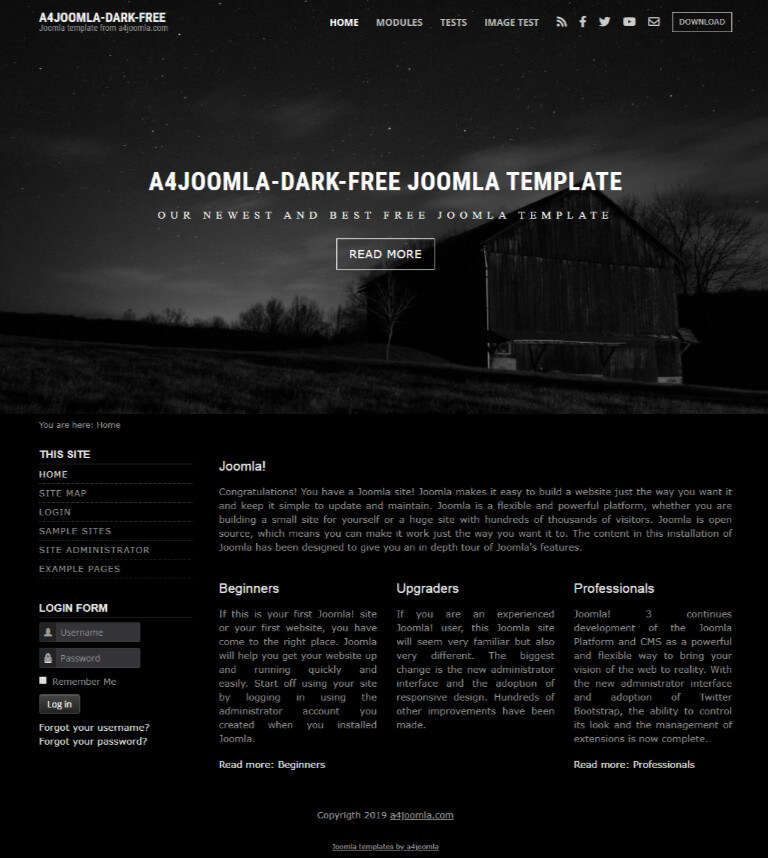
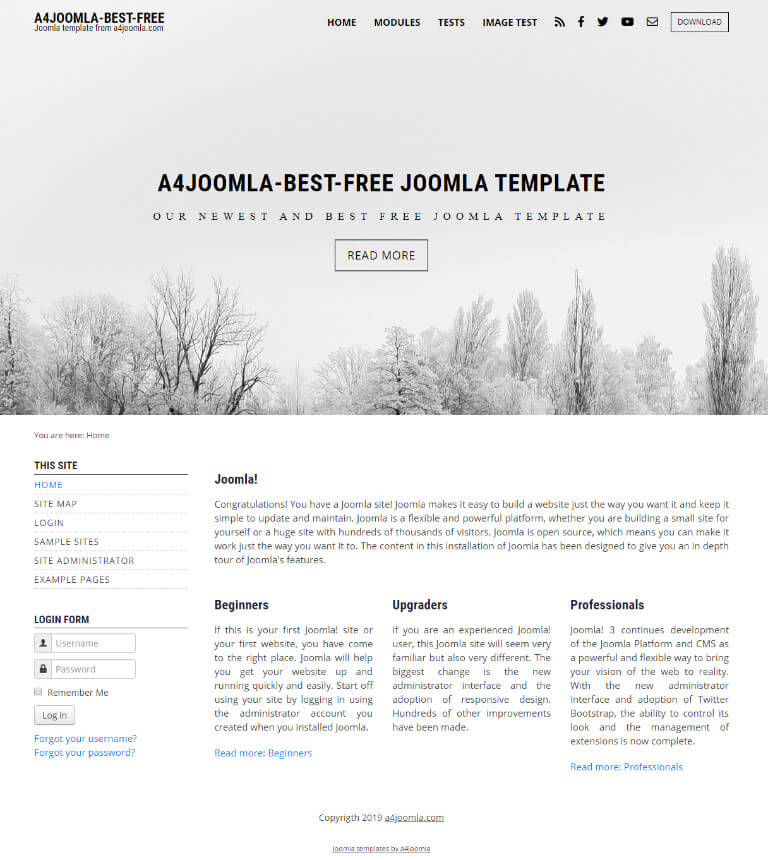
Download our best free template(s)

These are free versions of our best joomla 6 templates with the following features

  • fullscreen header
  • responsive template (also fits to mobile devices)
  • 12-column grid system
  • 3+3 icons + one button
  • 5 module positions

We will send you the download links in email(s). Check the spam folder if you don't find it!

This free joomla 2.5 template has several customizable features that can be set up in the template parameters. After the joomla template installation and choosing it to default template, click on the template's name in the template manager to set the template parameters. For the slideshow, cut your images to the same size, so that your images' width should be ideally equal to (page width - 80), because if you choose Force image resize: "Yes", then the quality can be worse. You have to use an ftp software like Filezilla, or if you use cpanel on the server, then the file manager to upload the images. You have to upload them into the templates/a4joomla-landscape-free/images/sampledata directory. If you want only one image without slideshow, then upload your image into the templates/a4joomla-landscape-free/images directory, and choose that image in the parameters.
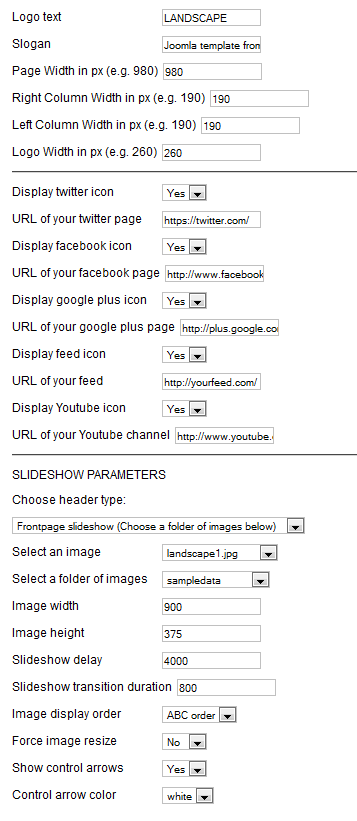
landscape-free-params


Module positions:

The free joomla template contains 6 module positions:
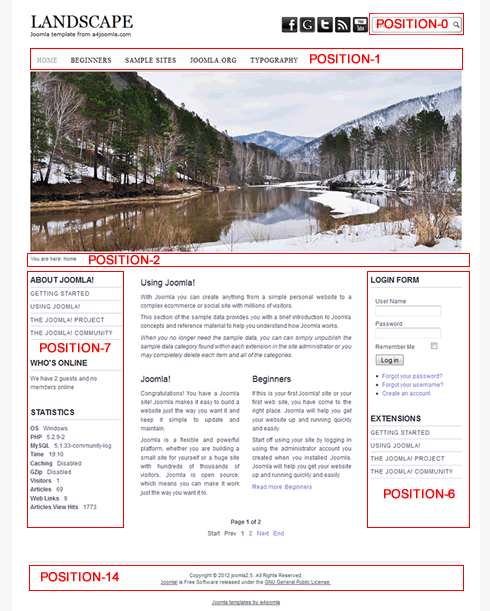
landscape-free-modules2

Differences

The differences between the professional and the free versions are generally the number of module positions, the dropdown menu, more customization options, like the image logo option, additional blog layout, module styles, and the number of social icons.

Downloads

After ordering the products, you have to log in, click on the YOUR ORDERS menu item in the topbar, then choose the order number, and click on the file name in the files column to download the file. Don't worry about unfinished orders, you can start the ordering process from the beginning any time.

Instructions

The product pages generally have a link to a page that contains instructions about setting up the template, like parameters, module positions, menu setups. You can also find these instructions on the demo sites, just click on the top menu items of the demos.